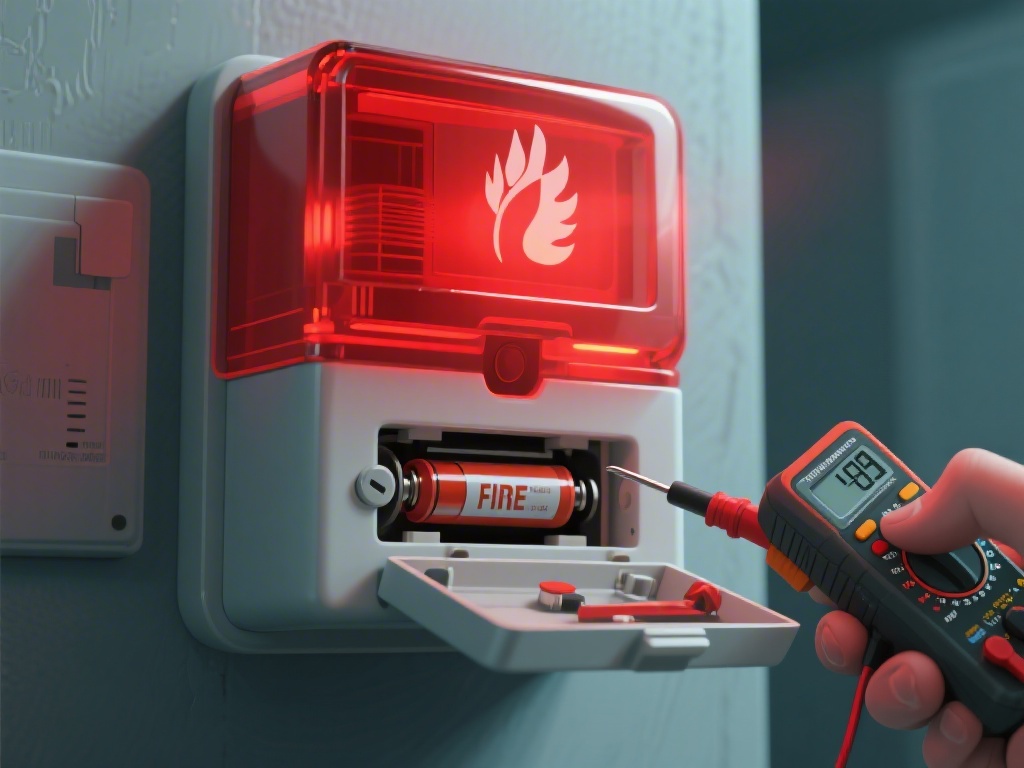
Are you experiencing a fire alarm with a red light but no sound? This common issue can be frustrating, especially when you need your alarm to work at its best. In this article, we will delve into the possible causes behind this problem and provide you with a step-by-step guide to troubleshooting your fire alarm. Keep reading to find out how to address this issue effectively.
Understanding the Red Light No Sound Problem
The red light on a fire alarm typically indicates an alarm condition, but when there is no sound, it can signal a problem with the alarm's ability to communicate the danger. This issue can be caused by various factors, including a dead battery, a malfunctioning siren, or a misadjusted silence period.
Step-by-Step Troubleshooting Guide
Step 1: Check the Battery
Step 2: Inspect the Siren
Step 3: Verify the Silence Period
Additional Tips for Fire Alarm Maintenance
Regular Testing
Regularly test your fire alarm to ensure it is functioning properly. This includes pressing the test button and listening for the alarm sound.
Cleaning the Alarm
Keep the alarm clean by wiping it down with a damp cloth. This helps prevent dust or debris from blocking the siren or the sensor.
Professional Inspection
Consider scheduling a professional inspection to ensure your fire alarm is in good working condition. A professional can identify and address issues that you may not be able to detect.
Conclusion
Dealing with a fire alarm that has a red light but no sound can be daunting, but with the right troubleshooting steps, you can quickly identify and resolve the issue. By checking the battery, inspecting the siren, and verifying the silence period, you can ensure your fire alarm is functioning correctly. Remember to maintain your fire alarm regularly to prevent future problems and keep your home safe.