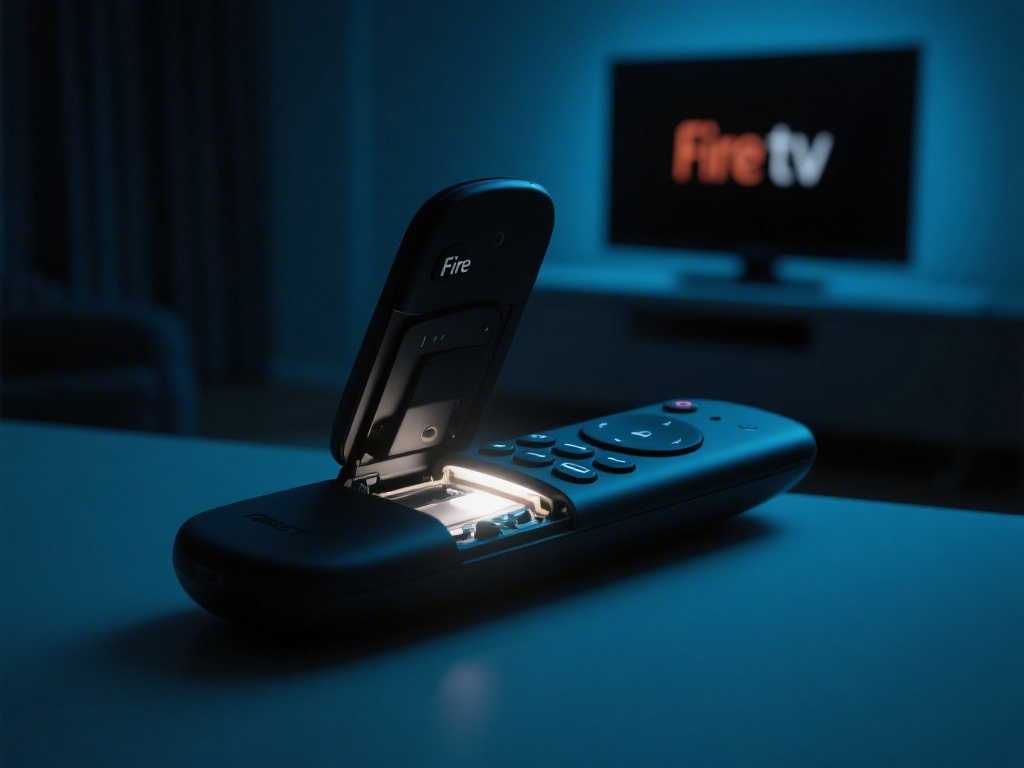
How to Fix Fire TV Remote Without Light: A Comprehensive Guide
If you've encountered the issue of your Fire TV remote stopping working without any light, you're not alone. This common problem can be frustrating, but with the right approach, it can be resolved quickly. In this guide, we'll walk you through the steps to troubleshoot and fix your Fire TV remote without light.
Understanding the Problem
The first step is to understand why your Fire TV remote has stopped working without any light. Common reasons include dead batteries, a faulty remote, or a problem with the remote sensor on the Fire TV device.
Checking the Batteries
The most common cause of a Fire TV remote without light is dead or weak batteries. Here's how to check:
- Replace the Batteries: First, make sure the batteries are inserted correctly and are not expired. If they are, replace them with new ones.
- Test the Remote: After replacing the batteries, press any button on the remote to see if it starts working. If it does, the issue was likely with the batteries.
Troubleshooting a Faulty Remote
If replacing the batteries doesn't work, the remote might be faulty. Here's how to proceed:
- Check the Remote Sensor: Ensure that the remote sensor on the Fire TV device is clean and free from dust or debris. Sometimes, a buildup of dirt can prevent the remote from working properly.
- Reset the Remote: Press and hold the 'Home' button on the remote for about 25 seconds. This will reset the remote and reconnect it to the device.
Resetting the Fire TV Device
If the above steps don't work, it might be necessary to reset the Fire TV device itself:
- Soft Reset: Unplug the device from the power outlet for about 30 seconds, then plug it back in and turn it on.
- Factory Reset: If a soft reset doesn't help, you might need to perform a factory reset. This will erase all your data, so make sure to backup any important information first.
Contacting Support
If none of these steps resolve the issue, it's time to contact Amazon Fire TV support. They can provide further assistance and may offer a replacement if the remote is under warranty.
Conclusion
Dealing with a Fire TV remote that has stopped working without any light can be a hassle, but with the right troubleshooting steps, you can often resolve the issue on your own. By checking the batteries, troubleshooting a faulty remote, and possibly resetting the device, you can get your remote working again. If all else fails, reaching out to support is the next step. Remember, regular maintenance and cleaning can prevent future issues.
---
This guide provides a comprehensive approach to fixing a Fire TV remote that has stopped working without any light. By following these steps, you can save time and money by not having to purchase a new remote.