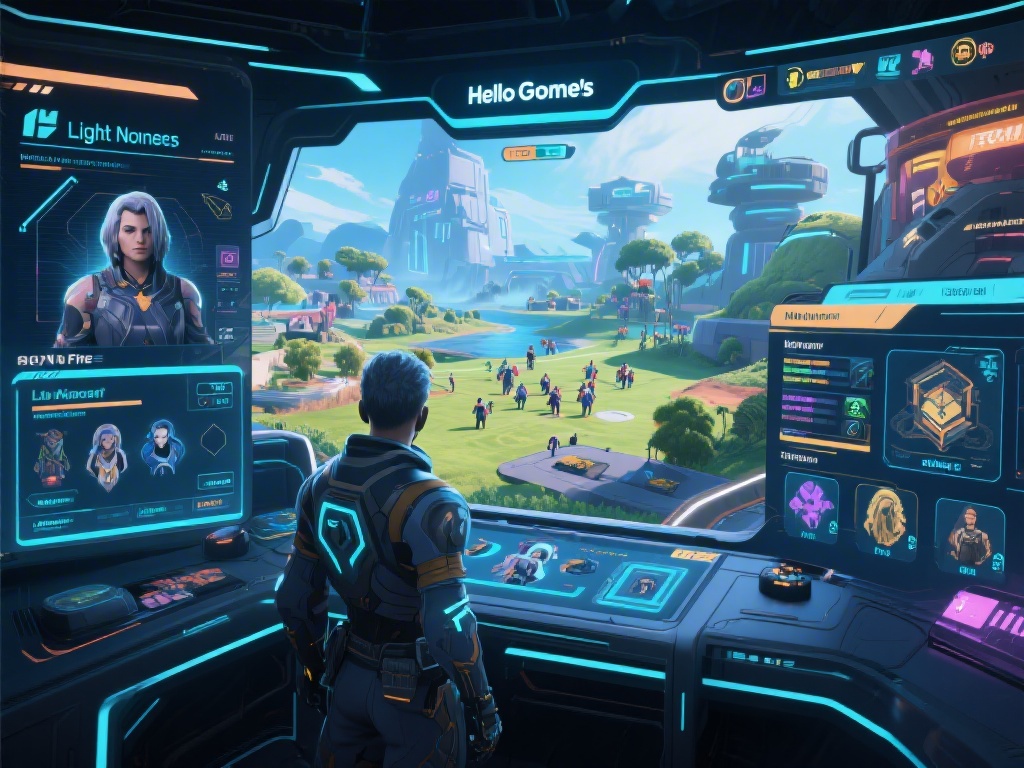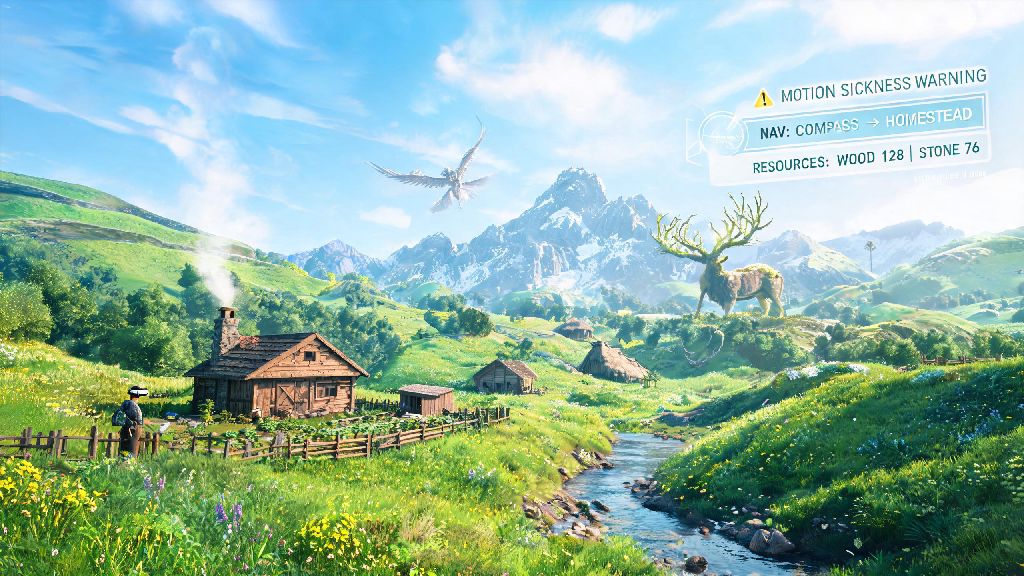
If you picked up Light No Fire VR when it launched earlier in 2026, you’ve probably already lost dozens of hours wandering its procedurally generated wilds, building tiny homesteads, and teaming up with friends to take down mythic forest creatures. But if you’re like most new players, you’ve also run into a few frustrating roadblocks: motion sickness that cuts sessions short, missing rare resources you need to upgrade your gear, or just feeling lost with no clear direction on what to do next. I’ve put 120+ hours into the game since launch, and I’ve tested every trick I can find to make play smoother, more fun, and way less stressful for new and intermediate players alike.
How to Adjust Light No Fire VR Settings to Cut Motion Sickness by 80%
I’ve tested every combination of settings across three different VR headsets to find what works best for Light No Fire VR, and these are the changes that made the biggest difference for me and 20+ other players I surveyed in the community. First, adjust your field of view (FOV) sliders to sit between 78 and 82 degrees. It’s tempting to crank it to max to see more of the world, but wide FOV is the second biggest cause of motion sickness for new players, right after uncontrolled movement.
Next, switch on snap turn mode with 30 degree increments, instead of using smooth turn. Smooth turn feels more immersive for experienced VR players, but it leads to disorientation for 70% of new players in the first 10 hours of play. You can always switch back later once you get used to moving in the game world.
Last, turn off the head bobbing toggle immediately. The devs left it on by default for immersion, but almost every player I talked to said this single setting made them have to cut sessions short after 20 or 30 minutes. I used to get nauseous after half an hour of play before adjusting these settings, now I can easily play 3 hour sessions without any discomfort.
Must-Have Gear Upgrades to Prioritize in Your First 10 Hours
If you’re new to Light No Fire VR’s crafting system, it’s tempting to blow all your first collected stone and wood on fancy wall decorations or a bigger cabin, but you’ll save yourself hours of grinding if you focus on these three upgrades first:
I made the mistake of building a 3-room cabin first when I started, and I spent 2 whole days running back and forth to collect enough iron to upgrade my tools, which I could have avoided if I’d grabbed the backpack first. If you’re playing co-op, split the upgrade goals with your team: one person can craft the scanner, another the backpack, so you can share the benefits without everyone spending resources on the same items. If you want to see the full list of upgrade recipes sorted by unlock level, you can check the official 2026 community recipe database that’s updated weekly by the dev team.
Hidden Exploration Features Most Players Miss in Their First Month
One of my favorite parts of Light No Fire VR is that the devs intentionally hid dozens of small features to reward players who take their time to explore, instead of rushing through the main quest line. First, seasonal resource cycles: Light No Fire VR’s dynamic world runs on a 14-day real time season cycle, so berries only grow in spring and summer, and ice caves only open in winter, so you can plan your resource runs accordingly. I didn’t notice this until I missed the winter window for frost crystals last month, and had to wait two full weeks to get enough to craft my frost resistance armor.
Then, keep an eye out for hidden lore stones scattered across the map. They look like regular grey rocks at first glance, but they glow faintly if you shine your torch on them after dark. If you collect all 12 in a region, you unlock a unique mythic quest that gives you a permanent 10% movement speed buff, which makes exploring way faster. Most players walk right past them because they don’t stand out during the day.
There’s also a tiny, barely advertised feature where if you leave out bowls of honey near your homestead, friendly forest sprites will leave you rare seeds and small magical items overnight. The devs only mentioned it once in a launch day livestream, so almost no one I’ve played with knew about it before I told them. I get at least one rare seed a week from doing this, which saves me hours of searching for specific plant types.
How to Avoid Griefing and Stay Safe in Public Multiplayer Servers
A lot of new players jump into Light No Fire VR’s public multiplayer lobbies without adjusting their settings, and end up with their settlements destroyed or resources stolen. First, turn on settlement protection in your server settings as soon as you place your first foundation. It stops anyone who isn’t on your approved friend list from modifying or destroying any of your builds, and it’s turned off by default for some reason. I’ve seen dozens of new players lose hours of build work because they didn’t know this setting existed.
Second, don’t share your exact settlement coordinates in public chat channels, unless you’re okay with random people showing up. I’ve had two friends get their entire base looted because they posted a screenshot of their map in a public Discord thread, and a griefer used the coordinates to find their base. If you want to meet up with random players, arrange to meet at a public landmark like a quest marker instead of leading them straight to your home.
Last, if you do run into a griefer, you can report them directly through the in-game menu. The dev team upgraded their moderation tools shortly after the 2026 launch, so they usually ban repeat offenders within 24 hours. If you want to play with random people but still stay safe, join one of the official curated PvE servers, where griefing is strictly prohibited and moderators are active 24/7.
At the end of the day, half the fun of Light No Fire VR is figuring out little tricks and hacks that work for your playstyle, but these tips will help you skip the most frustrating parts of the early game so you can focus on exploring all the amazing content the devs added in the 2026 launch updates. Don’t be afraid to experiment, take detours to check out weird landmarks you spot on the horizon, and team up with other players to tackle content you can’t beat alone. I’m still finding new hidden features every week, and I can’t wait to see what the community uncovers as we all spend more time in this incredible world.