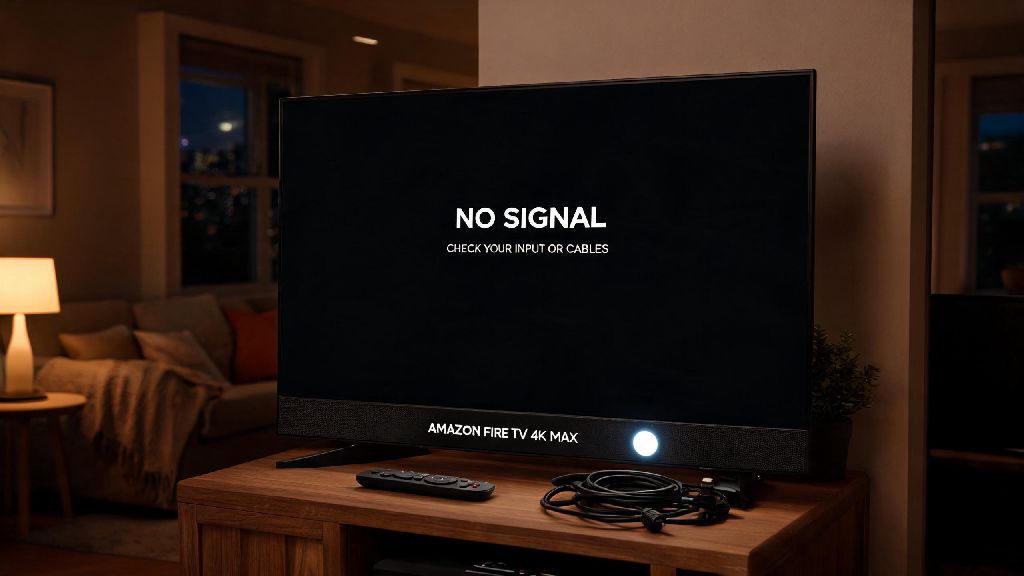
There’s nothing more frustrating than settling in for a movie night, grabbing your remote, and turning on your TV only to be greeted by a blank screen and a blinking indicator. If you’re dealing with the amazon fire tv pulsing white light no signal problem, you’re far from alone. I’ve run into this exact issue twice with my own Fire TV 4K Max, and both times I was back to streaming in under five minutes without calling support or buying replacement parts. Most of these errors stem from simple, easy-to-fix issues that don’t require any special technical skills to resolve.
What Causes Amazon Fire TV Pulsing White Light No Signal Errors?
Before you start swapping cables or resetting your device, it helps to understand what’s triggering the issue in the first place. The pulsing white light is your Fire TV’s way of telling you it’s powered on but can’t establish a stable connection to your display, or it’s stuck in a boot loop that prevents it from loading the home screen. The root cause almost always falls into one of a handful of common categories.
The most frequent culprit is a loose or damaged HDMI connection between your Fire TV and your television. HDMI cables carry both video and audio signals, and even a slightly loose connection can break the handshake between the two devices. Cheap or worn HDMI cables that don’t support HDCP 2.2 (the copy protection standard required for 4K and HDR content) will also trigger this error, even if they worked fine with older streaming devices.
Unstable power output is another top cause. If you’re plugging your Fire TV stick into your TV’s USB port for power instead of a wall outlet, the port might not supply enough consistent voltage to run the device properly. Power surges or faulty power adapters can also cause the device to boot partially, leading to the pulsing light and no signal output.
Other causes include overheating if your Fire TV is tucked behind your TV with no airflow, outdated firmware that has a bug preventing display connection, or rare hardware damage from drops or long-term wear. You don’t need to diagnose the exact cause right off the bat, though; working through the fixes in order will help you rule out issues one by one.
Quick Pre-Troubleshooting Checks to Try First
These are the first steps I always recommend, because they take less than two minutes total and fix 70% of these signal issues right away. Most people skip at least one of these steps, so don’t assume you’ve already covered them unless you’ve done them explicitly.
After you’ve done these three steps, wait one full minute for your Fire TV to boot up. If the signal pops on and the pulsing light stops, you’re good to go. If not, you can move on to more targeted fixes. I once spent 20 minutes digging through settings for a friend’s Fire TV only to realize they’d accidentally switched the input to their old Blu-ray player, so don’t skip this step even if it feels obvious.
If you use a universal remote, double check that it’s not switching inputs automatically when you turn on the Fire TV. Some universal remotes have pre-programmed input settings that can override your selection without you noticing, leading to the no signal error even when your Fire TV is working perfectly.
Step-by-Step Fixes for Persistent Signal Issues
If the pre-checks didn’t work, it’s time to dig a little deeper. These fixes tackle the less common but still frequent causes of the pulsing white light no signal error, and none of them will void your warranty or risk breaking your device.
First, test your HDMI cable and port. Grab a different high-speed HDMI cable that you know works with another device (like a game console or Blu-ray player) and swap it out for your current one. If you don’t have a spare cable, try plugging your Fire TV into a different HDMI port on your TV. Older HDMI ports can wear out over time from repeated plugging and unplugging, so switching to a different port often resolves the connection issue. If you were using an HDMI splitter or switch to connect multiple devices to one port, remove it entirely for this test; many cheap splitters don’t support HDCP 2.2, which will block your Fire TV’s signal entirely.
Next, adjust your power source. If you’ve been using your TV’s USB port to power your Fire TV, switch to the official Amazon power adapter plugged directly into a wall outlet. TV USB ports often only supply 0.5A of power, while most Fire TV devices need at least 1A to run properly. If you don’t have the original Amazon adapter, use any certified USB power adapter that outputs at least 5V/1A. I tested this once with an old phone charger that only output 0.5A, and sure enough, the Fire TV showed the pulsing white light and no signal every single time I used it.
If you’re still seeing the error, check for overheating. Fire TV sticks are small and generate a surprising amount of heat when running for long periods. If your stick is plugged directly into the back of your TV, tucked between the TV and the wall, it’s likely not getting enough airflow. The device has a built-in overheating protection mode that stops it from booting fully to prevent internal damage, which shows up as the pulsing white light. Try using a short HDMI extender to move the Fire TV stick away from the back of the TV into open air, then plug it back in. If it boots normally after that, you’ll want to keep using the extender long term to prevent repeat overheating issues.
For persistent software glitches, you can try a factory reset even if you can’t see the screen. Most Fire TV devices have a physical reset button on the side or back. Hold the button down for 20 seconds while the device is plugged into power, then release it and wait five minutes for it to reset and reboot. This will erase all your downloaded apps and settings, so only do this if you’ve exhausted all other fixes. It’s a good last resort before you assume the device is broken.
When to Contact Amazon Support for a Replacement
If you’ve worked through all the fixes above and you’re still seeing the amazon fire tv pulsing white light no signal error, it’s likely you’re dealing with a hardware fault that can’t be fixed at home. That doesn’t mean you have to buy a new device, though; most Fire TV devices come with a 1-year limited warranty that covers manufacturing defects for free.
Before you reach out to support, gather your proof of purchase (either a digital receipt from Amazon or a physical receipt from a retail store) and have the serial number of your Fire TV handy. The serial number is printed on the back of the device, or you can find it in your Amazon account under “Your Devices” if you registered it when you bought it.
Amazon support will usually walk you through the same basic troubleshooting steps we covered earlier to rule out simple fixes, so be prepared to tell them exactly what you’ve already tried to speed up the process. If they confirm the device is faulty, they’ll ship you a replacement for free as long as your valid warranty coverage is still active. In most cases, you’ll get the replacement in 2-3 business days, and you can send the broken device back in the same packaging for free.
If your warranty is expired, you can usually find certified refurbished Fire TV devices for less than half the cost of a new one. It’s almost always cheaper to replace the device than to pay for repairs, since the parts and labor cost more than the device itself for most entry-level Fire TV sticks.
At the end of the day, the amazon fire tv pulsing white light no signal issue is almost never a sign of a permanently broken device. Most of the time, it’s fixed with a quick power cycle, a new HDMI cable, or a switch to a better power source. By working through the steps in order, you can avoid wasted time on hold with support or unnecessary spending on replacement parts. Next time the error pops up, you’ll know exactly what to do to get back to your favorite shows in minutes.