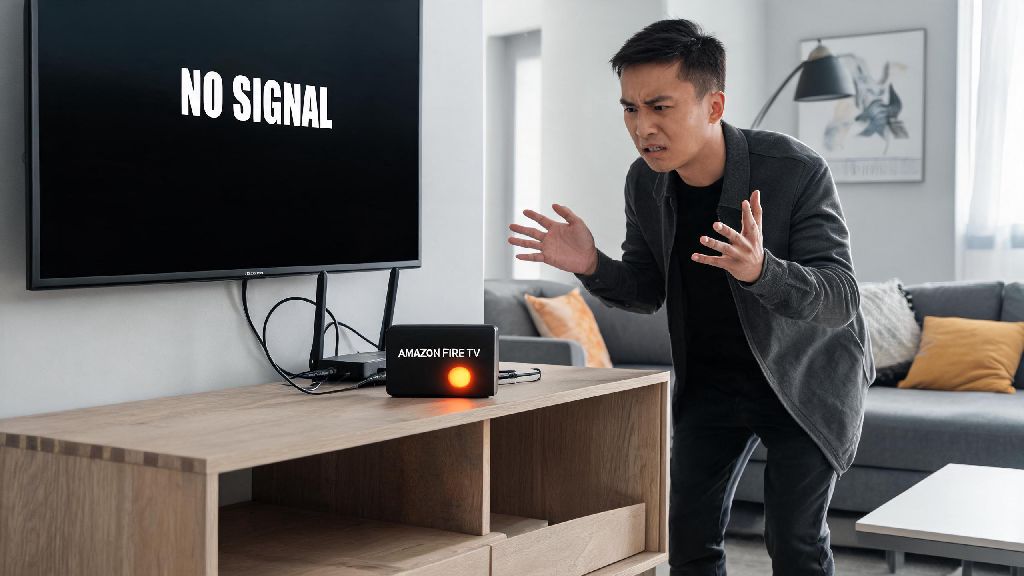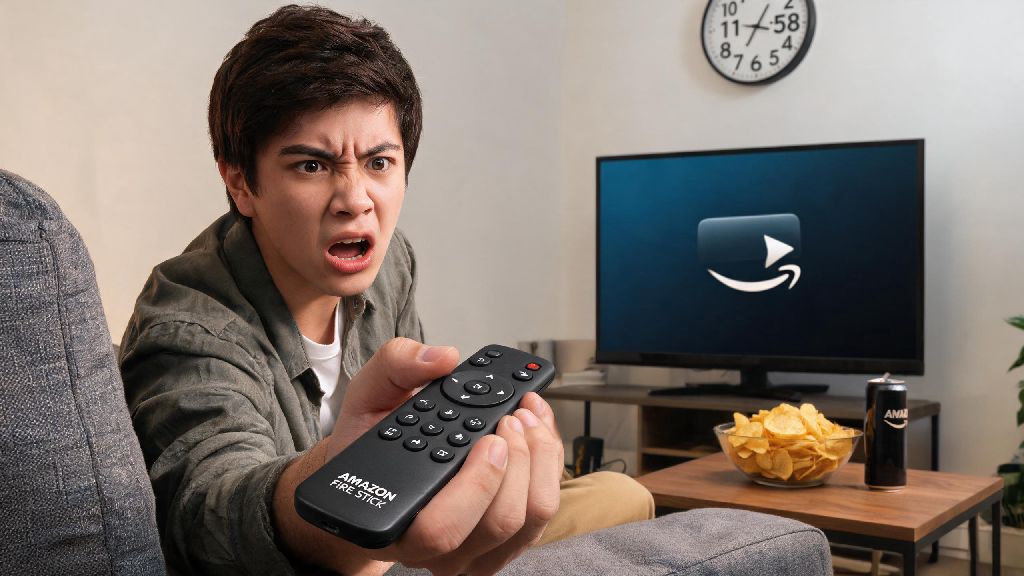
You’re all settled on the couch, snack in hand, ready to binge the new season of your favorite show, and you reach for your Fire Stick remote. You press the power button, then the home button, then every other button on the device, and nothing happens. No little LED light blinking, no response on your TV, just total silence. It’s one of the most frustrating small tech issues you can run into, especially when you only have an hour of free time to watch something. If you’re dealing with an Amazon Fire Stick remote not working no light issue, you don’t have to run out and buy a replacement right away. Most of the time, the problem is simple to fix with basic household supplies and a few minutes of your time. I’ve run into this exact issue three times over the past five years with different Fire Stick models, and only once did I actually need to buy a new remote.
Common Reasons Your Amazon Fire Stick Remote Not Working No Light Issue Occurs
Before you start trying random fixes, it helps to understand what’s usually causing the light to stay off and the remote to stop responding. Most issues trace back to power or connection problems, not permanent hardware failure, which is good news for your wallet. The number one culprit by far is dead or dying batteries, even if you just replaced them a few weeks ago. Cheap dollar store batteries often drain much faster than name-brand options, especially if you use the voice control feature frequently.
Another often overlooked cause is battery terminal corrosion. If you leave old batteries in the remote for too long, they can leak a white or green acidic residue that builds up on the small metal contacts inside the battery compartment. That residue blocks the flow of power from the batteries to the remote’s internal circuit board, so even if you put new batteries in, the remote won’t turn on. I ran into this last year after leaving a remote in a storage bin for six months with batteries inside, and the corrosion was so bad I almost threw the remote away before I cleaned it.
Less common causes include physical damage to the remote, internal hardware failure, or Bluetooth connection conflicts. If you dropped the remote on a hard floor or spilled liquid on it, the internal circuit board might have a crack or short that stops it from powering on. Bluetooth signal interference from other nearby devices can also sometimes cause the remote to shut off its indicator light entirely, even if the batteries are fully functional. It’s easy to rule out these causes as you work through the troubleshooting steps.
Quick, No-Tool Fixes to Try First
These are the first steps I always run through when my Fire Stick remote stops working and has no light. Most people fix their issue with one of these steps, so you won’t have to waste time on more complicated processes unless you need to. None of these require any special tools or technical knowledge, so even if you’re not comfortable with tech, you can do them easily.
One thing to note here: don’t use wet cloths or water to clean the battery terminals. Water can cause more corrosion or damage the internal components of the remote, making the problem worse. Rubbing alcohol evaporates quickly, so it’s the only safe liquid to use for this job. I once tried using a damp paper towel to clean corrosion off an old remote, and it stopped working entirely, so I learned this lesson the hard way.
If none of these steps work, move on to the next set of fixes. You don’t have to spend more than 10 minutes on these first steps, as they’re designed to rule out the most common issues fast.
Advanced Fixes for Persistent No Light Issues
If you tried the quick fixes and your remote still has no light and won’t work, there are a few more involved steps you can try to reset the connection between the remote and your Fire Stick. These steps will clear any cached pairing data that might be causing a conflict, and can fix issues that the basic troubleshooting misses.
First, do a full reset of both the Fire Stick and the remote. Start by unplugging your Fire Stick device from the power outlet and the HDMI port on your TV, and remove the batteries from the remote. Leave everything unplugged for 60 seconds to let all the residual power drain from both devices. Plug the Fire Stick back into your TV and power outlet, and wait for it to fully load to the home screen. Put the batteries back into the remote, then press and hold the home button for 40 seconds. Wait 2 minutes for the remote to pair with the Fire Stick, and check if the light blinks during this process.
If you have another Fire Stick or Fire TV device in your home, test the non-working remote on that device. This will help you figure out if the issue is with the remote itself, or with your original Fire Stick. If the remote works on the second device, the problem is with your original Fire Stick, not the remote. In that case, you can try a factory reset of your Fire Stick to fix software conflicts that are blocking the remote connection. Only do a factory reset as a last resort, because it will erase all your downloaded apps, saved login information, and custom settings, so you’ll have to set everything up again from scratch.
For Alexa Voice Remote Pro models with rechargeable batteries, try plugging the remote into a USB-C charger for 30 minutes, then test it again. The rechargeable battery in these models can drain completely if you forget to charge it for a few weeks, and it may take a few minutes of charging before the indicator light turns on again. Use the original charging cable that came with the remote if you have it, as cheap third-party cables may not supply enough power to charge the remote properly.
When It’s Time to Replace Your Fire Stick Remote
In some cases, the damage to the remote is too severe to fix, and you’ll need to buy a replacement. It’s easy to tell when you’ve reached this point, so you won’t waste time trying to fix a remote that’s beyond repair. First, if you’ve tried all the troubleshooting steps we covered, and the remote still has no light and won’t respond on any Fire Stick device, it’s almost certainly a hardware failure.
Other clear signs you need a replacement include visible cracks in the remote casing, signs of heavy liquid damage, or battery terminals that are so corroded they break off when you try to clean them. Always check your device warranty first before buying a new remote. If your Fire Stick is less than a year old, Amazon will usually send you a free replacement remote if the original one stopped working due to a manufacturing defect, even if you don’t have a protection plan.
When you do buy a replacement, I recommend sticking to official Amazon Fire Stick remotes instead of cheap third-party options. I tried a $10 third-party remote last year to save money, and it only worked for 3 months before it developed the same no light issue, and the manufacturer wouldn’t replace it. Official remotes cost between $15 and $30 depending on the model, and they’re much more reliable, with better build quality and longer battery life. You can also use the Amazon Fire TV app on your phone as a temporary remote while you wait for a replacement to arrive, so you don’t have to go without streaming for days.
Most of the time, the Amazon Fire Stick remote not working no light issue is caused by something simple, like dead batteries or minor corrosion, and you can fix it in less than 10 minutes without any special tools. You don’t need to be tech-savvy to run through these steps, and you can save yourself the cost of a new remote most of the time. If you do end up needing a replacement, official options are affordable and easy to pair with your existing device. Next time your remote stops working, don’t panic – start with the basic battery swap and terminal check, and you’ll be back to streaming your favorite shows before you know it.